
Your BI grew. So did your licensing bill.
More users. More departments. More dashboards. And, consequently, more Power BI licenses to pay for every month.
By Tamires Cavani 08/07/2026
For years, many companies have scaled their BI following a simple logic: the more people need to consume dashboards, the more licenses need to be purchased.
This model works well in certain scenarios. But when an organization has hundreds or thousands of users who only consume information, costs can increase rapidly.
This is where Microsoft Fabric, Power BI Embedded, and an experience layer such as the DriveData Portal come into play.
The goal is not simply to “eliminate licenses.” It is to change the architecture used to distribute BI: instead of tying costs primarily to the number of consumers, organizations can leverage shared computing capacity, properly sized and governed.
Changing the logic: from per-user licensing to capacity
Imagine a company with 200 people who only need to view commercial, financial, operational, or logistics indicators.
In the traditional model, costs tend to follow the number of licensed users.
With a capacity-based architecture, the logic changes.
This does not mean the cost disappears. It means that costs become primarily concentrated in processing and distribution infrastructure, while licenses may still be required for authors, administrators, and certain usage scenarios.
And that is precisely the shift that can generate significant savings in environments with many consumers and relatively few content creators.
Where does Power BI Embedded fit in?
Power BI Embedded allows Power BI analytics to be embedded into a custom application or portal.
In an app owns data scenario, for example, users access the application and view the content made available by the application itself, without necessarily needing an individual Power BI license.
This model is particularly interesting for companies looking to create their own analytics experience — including for customers, partners, suppliers, franchisees, or large populations of internal users.
But there is an important point:
Embedding a report into a portal does not automatically eliminate licensing requirements.
The authentication architecture, embedding model, capacity being used, and user profile determine the applicable licensing rules.
That is why the decision needs to be architectural, not merely commercial.
And where does the DriveData Portal fit in?
This is where the concept moves beyond infrastructure and becomes a business experience.
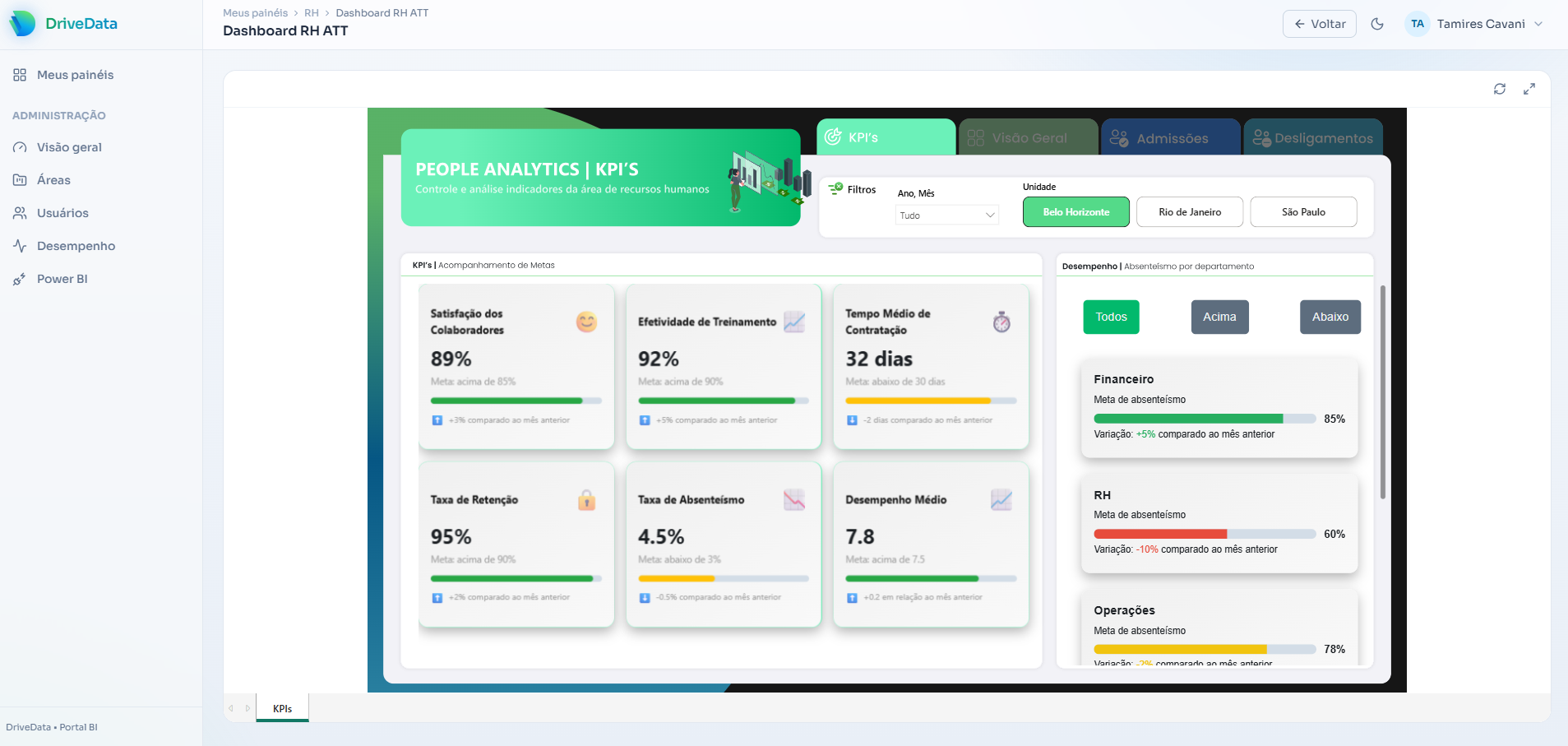
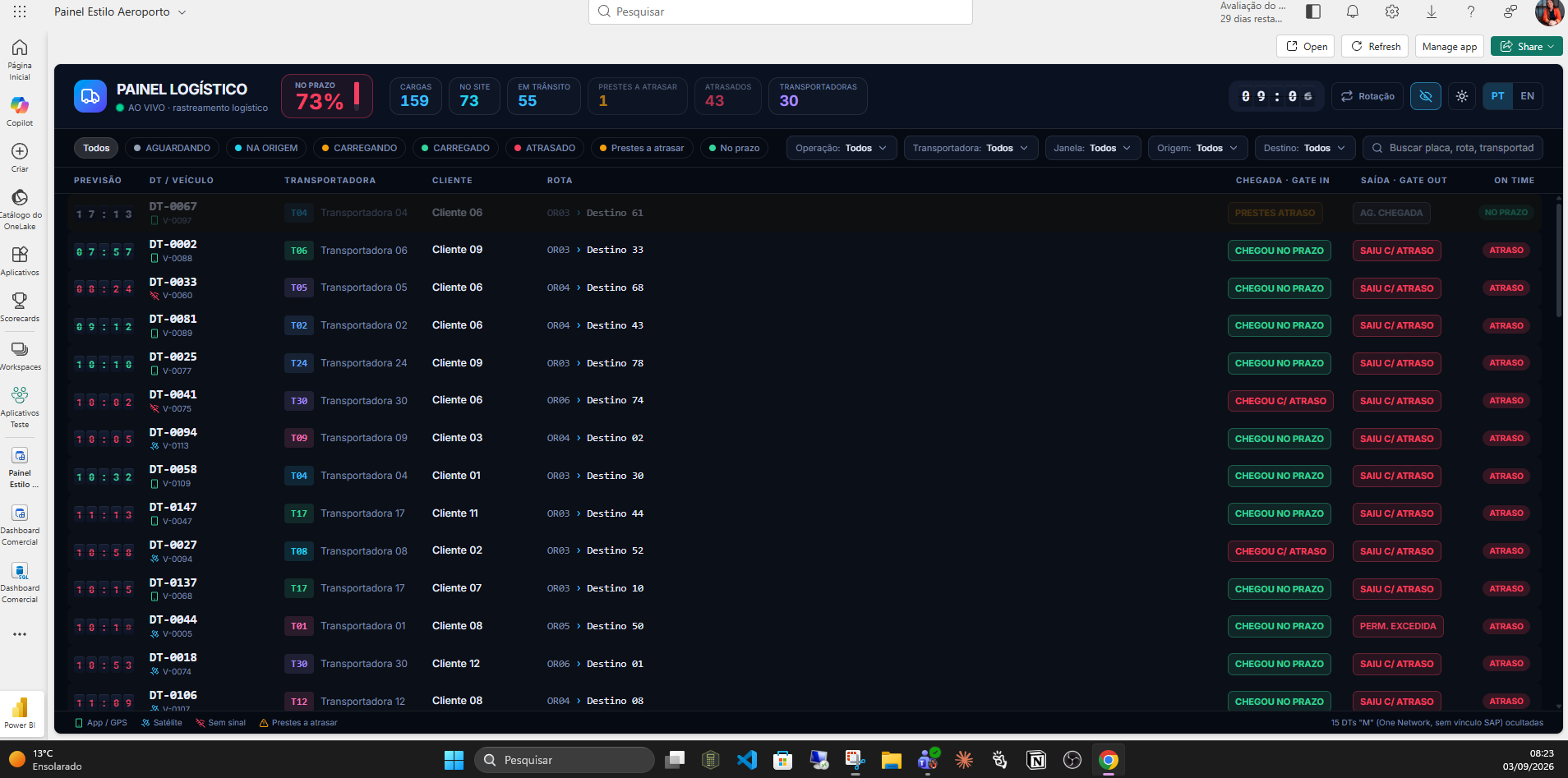
The DriveData Portal acts as a layer between Microsoft capacity and the end user, creating a dedicated experience for consuming data.
Instead of requiring users to navigate through different workspaces, links, or Power BI environments, organizations can provide a centralized, customized, and governed portal, with features such as:
- Report catalog;
- Search and favorites;
- Identity and SSO;
- Access control;
- Organization by departments, business units, or customers;
- Responsive experience;
- Usage monitoring;
- Governance and auditing.
In practice, this transforms BI into something closer to a corporate digital product.
Users do not necessarily need to think about “Power BI,” “workspaces,” or “datasets.”
They simply enter the portal and access the information they need to make a decision.
How much can a company save?
This is one of the most interesting parts.
In a simulation presented by DriveData, a scenario with 200 consumer users, using a reference of R$80 per user/month, would result in approximately:
R$16,000/month in individual licensing costs.
In the same simulation, an estimated Fabric F8 capacity of R$4,080/month would result in nominal savings of approximately:
R$11,920 per month
74.5% reduction
The mathematical break-even point would be approximately 51 users.
But keep in mind: this is a simulation, not a quote.
The actual result depends on the SKU, region, consumption, Microsoft agreement, architecture, operations, and costs associated with the portal.
That is why, before making a decision, the ideal approach is to compare the TCO — Total Cost of Ownership of both scenarios.
User count is not the only factor
A common mistake is to think:
“I have 500 users, so I need a certain capacity.”
Not necessarily.
Sizing depends much more on how those users behave.
You need to evaluate:
- How many users will be accessing the portal simultaneously?
- How many queries will be executed?
- How large are the semantic models?
- How complex are the reports?
- How frequently will data be refreshed?
- Are there peak usage periods?
- Are there critical processes running 24×7?
One hundred users performing simple queries may consume less capacity than twenty users simultaneously working with complex models.
That is why capacity should be sized based on workload, not simply user count.
Savings are not just about reducing licenses
This may be the biggest difference between simply purchasing capacity and building an efficient BI architecture.
A well-designed strategy needs to consider four pillars:
1. Architecture
Correctly choosing between Power BI, Fabric, Embedded, and the different embedding models.
2. Performance
Optimizing models, queries, refreshes, and reports.
3. Governance
Managing identities, permissions, security, RLS, and auditing.
4. Cost efficiency
Monitoring utilization and adjusting capacity according to actual demand.
Microsoft itself recommends monitoring capacity metrics such as workload, concurrency, memory, CPU, and query duration to support sizing decisions.
In other words:
It is not enough to buy fewer licenses. You need to build an architecture that makes better use of your data investment.
Does this model make sense for your company?
This architecture tends to be particularly interesting when there are:
- Many consumer users;
- Few report authors;
- A need for a customized experience;
- BI distribution to customers, partners, or multiple business units;
- A need for centralized governance;
- An interest in turning BI into a corporate application.
On the other hand, for companies with few users, low consumption, or a large number of people creating and editing content, the traditional model may still be simpler and more cost-effective.
That is why there is no universally cheaper SKU or architecture.
There is only the architecture that best fits each scenario.
How much could your company save?
That is exactly what the DriveData Savings Calculator is designed to help answer.
You can compare your current licensing scenario with a capacity-based architecture and estimate, in practical terms, where the break-even point is and what the potential savings could be.
👉 Access the DriveData Savings Calculator
From Power BI to Analytics as a Product
The real potential of Fabric + Embedded goes far beyond cost reduction.
It is about transforming BI into a digital experience owned by the company.
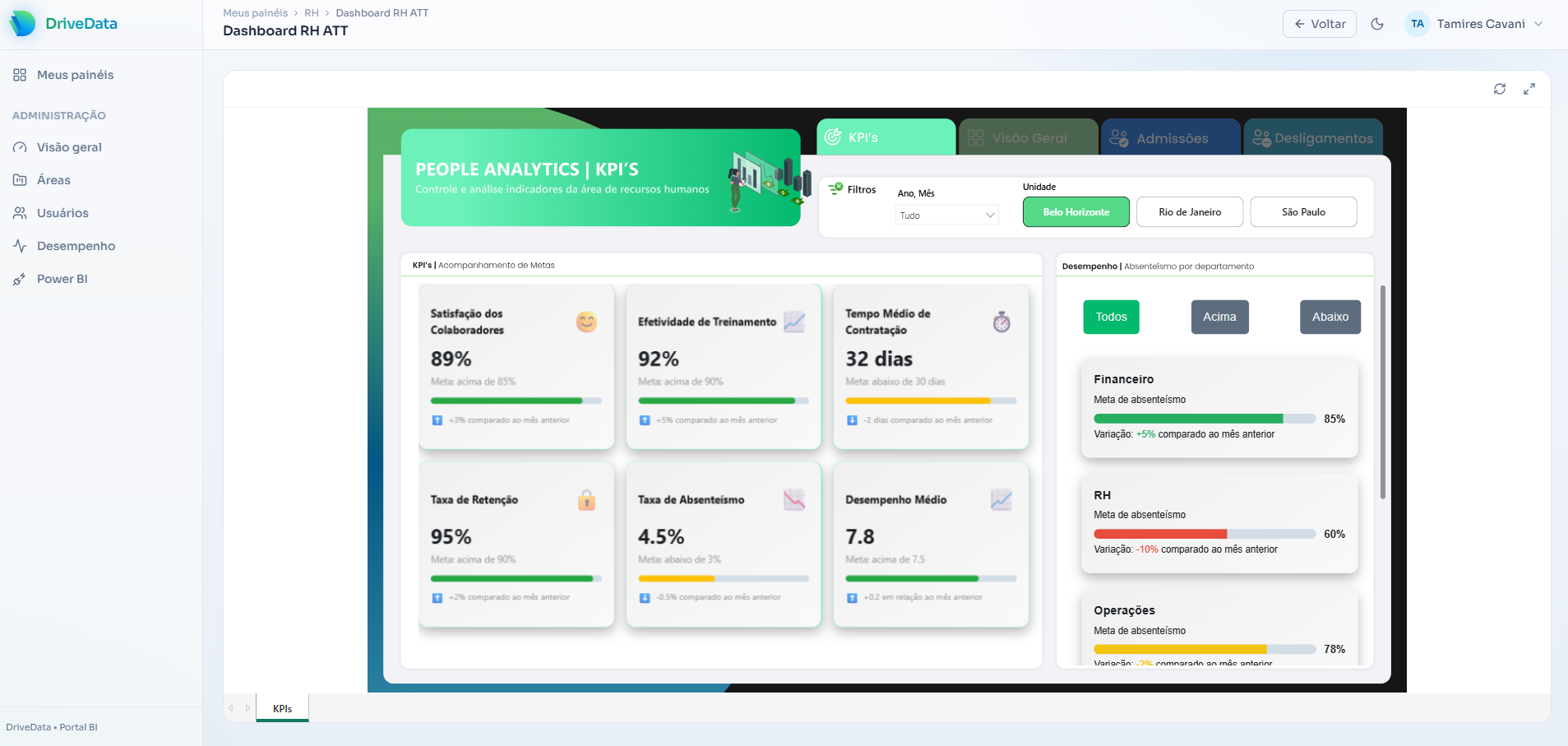
With the DriveData Portal, organizations can centralize their analytics assets, control access, monitor adoption, and deliver a customized experience on top of Microsoft infrastructure.
In practice, it means moving from:
“We have several dashboards in Power BI.”
to:
“We have a corporate data platform for decision-making.”
And this shift can represent not only an opportunity to reduce TCO, but also to increase adoption, governance, and the value generated by the organization's investment in data.
Want to evaluate this scenario for your company?
DriveData works with the architecture, implementation, and evolution of Power BI, Microsoft Fabric, Data Engineering, AI, automation, and Analytics solutions, helping companies transform data into digital products and experiences.
If your organization has a large number of BI consumers, it is worth looking beyond the price of a single license.
Calculate the entire architecture.
And, most importantly, understand how much it costs to keep doing things the way you do today.